
Diagrammix 3
The most efficient tool on the market for building attractive diagrams and charts on your Mac.
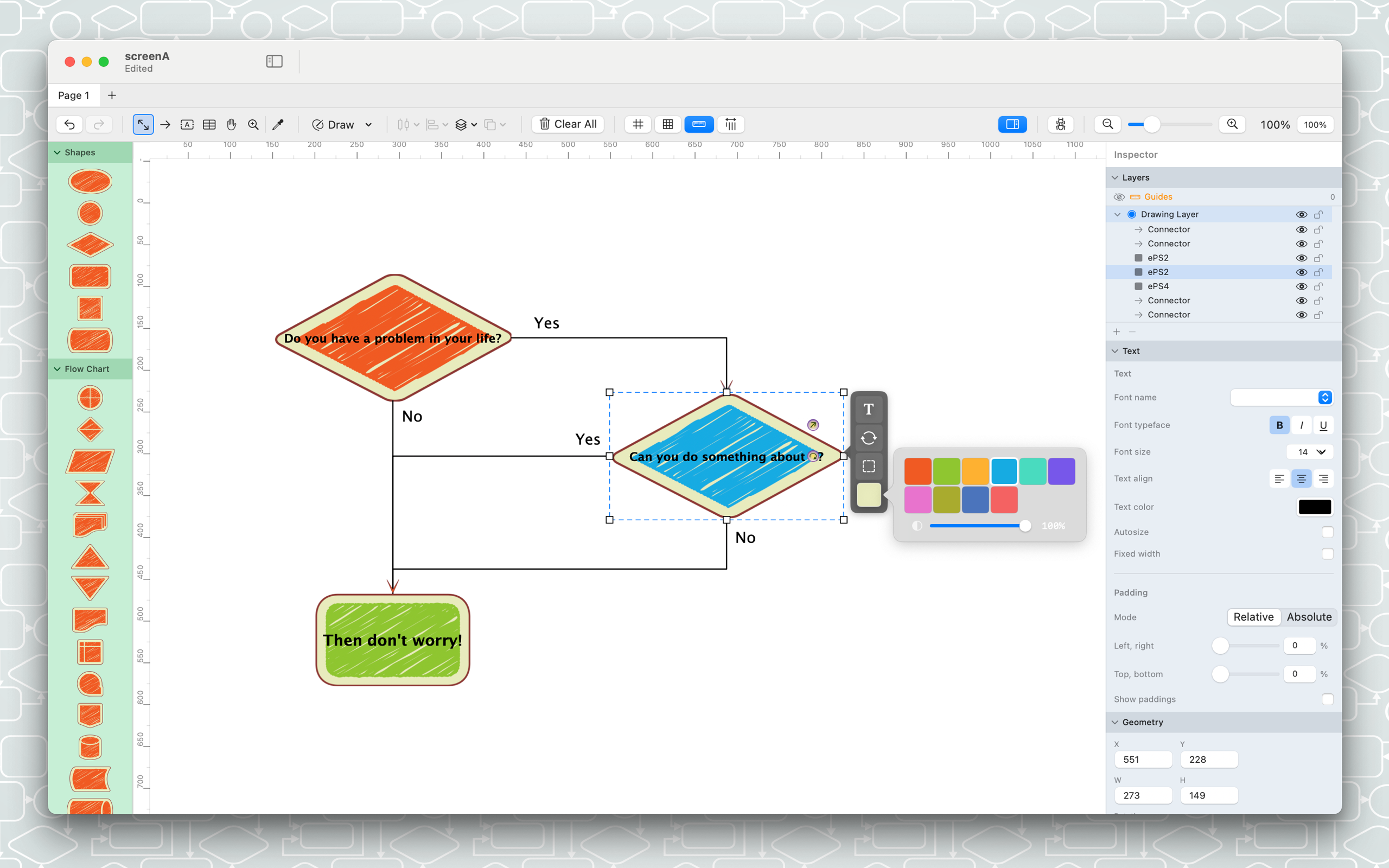
Everything you need to create.
AI-Powered PRO
Describe what you need — AI creates symbols, connectors, and layouts, and can even match a style from an image. Works with Claude, Codex, and other MCP clients.
1000+ Symbols
11 handcrafted notation packs — from corporate to hand-drawn sketches.
Smart Connectors
Obstacle-avoiding routing. Straight, orthogonal, or smooth curves — with multiple labels per line.
Mind Maps PRO
Capture ideas in a keyboard-driven mind-mapping mode. Eight structures, themes, and Markdown/OPML/XMind.
Custom Styles PRO
Save your own reusable diagram styles and apply them in one click.
Custom Templates
Build your own notation packs of custom shapes and arrowheads.
Sticky Notes
Drop quick notes — with attached images — anywhere on the canvas.
Visio Compatibility PRO
Import and export .vsdx files. Full round-trip for enterprise workflows.
UML Class Diagrams PRO
Classes with attributes, operations, and relationships.
UML Sequence Diagrams PRO
Lifelines, messages, activations, and fragments.
SVG Import & Export PRO
Full SVG support for web publishing and vector editing.
Mermaid Integration PRO
Preview and validate, then paste. Keep editing in Mermaid notation.
Autostyles PRO
Sketch, Comic, Blueprint — transform your diagram's look instantly.
ASCII Diagrams PRO
Text-based diagrams for code comments, docs, and terminals.
Vector Drawing Tools
Paths, polygons, freehand, and shapes. Edit every node and combine shapes with boolean operations.
Auto-Layout
Layered, tree, radial, circular, and grid — plus live force-directed layouts that re-flow as you drag.
Layers
Show, hide, lock, and reorder layers and individual items.
Fill, Stroke & Effects
Gradients, patterns, drop and inner shadows, opacity — full styling.
Export Everywhere
PNG, JPEG, SVG, and Visio up to 300 DPI, per-artboard export, and print to PDF.
And more
Coming from version 2?
Diagrammix 3 uses a new document format for modern features. You can easily import your .drawing files via File → Import.