New in 3.8: Live force-directed layouts, boolean shape operations, reusable elements with text slots, artboards, step-and-repeat, inner shadows, and multiple connector labels. See What's New.
Key Features
- Native macOS Experience: Built with SwiftUI and AppKit for a fluid and responsive interface.
- AI-Powered Diagramming: Describe what you need — AI creates symbols, connectors, and layouts via the built-in MCP server.
- Mind Maps: Capture ideas in a dedicated, keyboard-driven mind-mapping mode.
- Smart Connectors: Straight, polyline, orthogonal, and smooth connectors that can route around obstacles, with multiple labels per connector.
- UML Diagrams: Create class diagrams and sequence diagrams with full UML notation support.
- Visio Compatibility: Import and export Microsoft Visio .vsdx files for enterprise interoperability.
- SVG Support: Import and export SVG files with high fidelity (SVG 1.2 support).
- Mermaid Integration: Import with live preview and validation, and keep editing in Mermaid notation.
- Custom Styles & Templates: Save reusable styles and build your own notation packs.
- Sticky Notes: Drop quick notes — with attached images — anywhere on the canvas.
- Notation Library: Access a wide range of standard symbols and an icon-set library.
- Layers: Organize complex diagrams with layers, and show, hide, or lock individual items.
- Combine Shapes: Union, subtract, intersect, and exclude shapes to build custom outlines.
- Reusable Elements: Save compositions with fill-in text slots and reuse them from the palette.
- Artboards: Lay out slides, posts, or pages and export each one as PNG or SVG.
- Auto-Layout: Arrange diagrams with layered, tree, radial, circular, grid, and live force-directed and organic layouts.
- Multiple Export Formats: Export to PNG, JPEG, SVG, and Visio, and print or save as PDF.
- iCloud Sync: Access your diagrams across all your Mac devices.
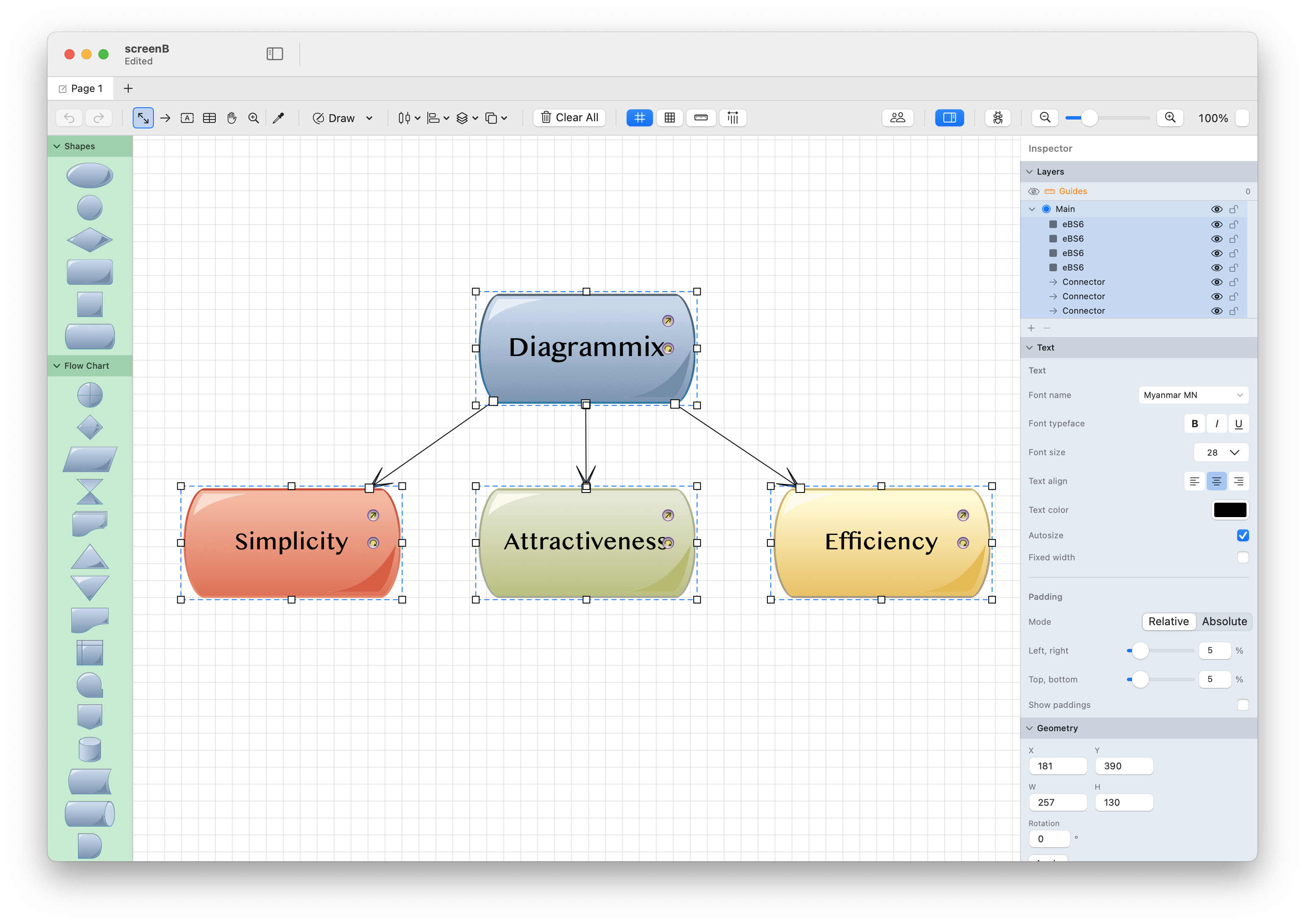
Getting Started
New to Diagrammix3? Start here:
- Interface Overview - Learn the main parts of the application
- Working with Shapes - Create and edit shapes
- Connectors - Connect shapes with smart routing
- Keyboard Shortcuts - Speed up your workflow
Manual Sections
Tools
Complete reference of all drawing and editing tools, from basic selection to advanced vector path editing.
Working with Diagrams
Learn the fundamentals of creating diagrams, from shapes and connectors to tables and text.
Styling
Customize the appearance of your diagrams using fills, strokes, the Inspector, and shape styles.
UML Diagrams
Create professional UML diagrams including class diagrams and sequence diagrams.
Advanced Topics
Explore advanced features like AI integration, mind maps, auto-layout, layers, artboards, Mermaid support, and export options.
Reference
Quick reference guides including the arrowhead gallery, notation library, and custom templates.
System Requirements
- macOS 13.0 or later.