Novidade na versão 3.8: Layouts dinâmicos com força dirigida, operações booleanas de forma, elementos reutilizáveis com espaços de texto, pranchetas, passo e repetição, sombras internas e múltiplos rótulos de conector. Veja Novidades.
Principais Recursos
- Experiência Nativa macOS: desenvolvido com SwiftUI e AppKit para uma interface fluida e responsiva.
- Diagramação com IA: descreva o que você precisa — a IA cria símbolos, conectores e layouts pelo servidor MCP integrado.
- Mapas Mentais: capture ideias em um modo dedicado de mapas mentais guiado pelo teclado.
- Conectores Inteligentes: conectores retos, em polilinha, ortogonais e suaves que podem desviar de obstáculos, com múltiplos rótulos por conector.
- Diagramas UML: crie diagramas de classes e diagramas de sequência com suporte completo à notação UML.
- Compatibilidade com Visio: importe e exporte arquivos Microsoft Visio .vsdx para interoperabilidade corporativa.
- Suporte a SVG: importe e exporte arquivos SVG com alta fidelidade (suporte a SVG 1.2).
- Integração com Mermaid: importe com pré-visualização e validação ao vivo, e continue editando em notação Mermaid.
- Estilos e Modelos Personalizados: salve estilos reutilizáveis e crie seus próprios pacotes de notação.
- Notas Adesivas: solte notas rápidas — com imagens anexadas — em qualquer lugar da tela.
- Biblioteca de Notações: acesse uma ampla variedade de símbolos padrão e uma biblioteca de conjuntos de ícones.
- Camadas: organize diagramas complexos com camadas, e mostre, oculte ou bloqueie itens individuais.
- Combinar Formas: una, subtraia, faça interseção e exclua formas para construir contornos personalizados.
- Elementos Reutilizáveis: salve composições com espaços de texto preenchíveis e reutilize-as pela paleta.
- Pranchetas: organize slides, posts ou páginas e exporte cada um como PNG ou SVG.
- Layout Automático: organize diagramas com layouts em camadas, em árvore, radial, circular, em grade, e dinâmicos com força dirigida e orgânicos.
- Múltiplos Formatos de Exportação: exporte para PNG, JPEG, SVG e Visio, e imprima ou salve como PDF.
- Sincronização via iCloud: acesse seus diagramas em todos os seus dispositivos Mac.
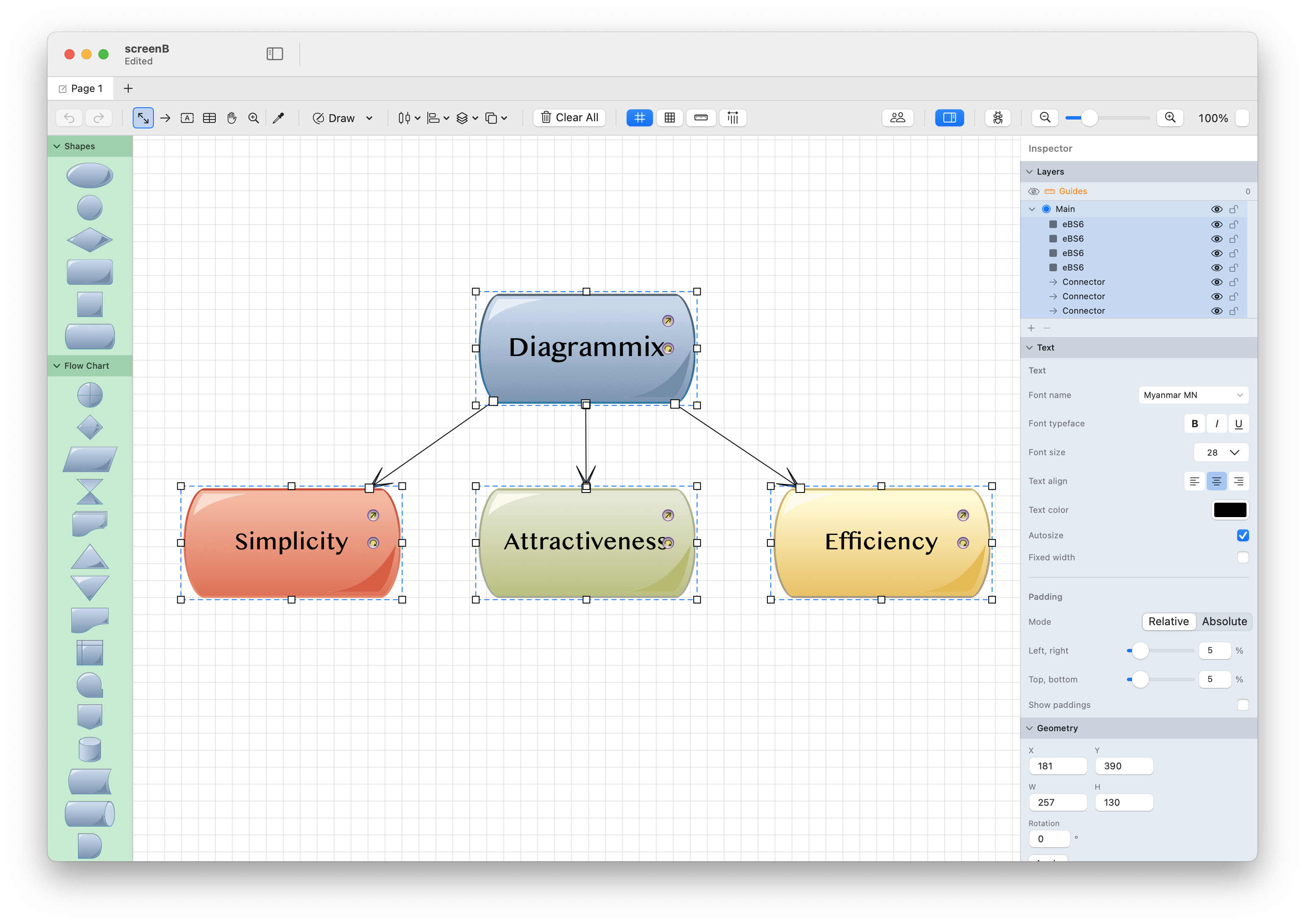
Primeiros Passos
Novo no Diagrammix3? Comece aqui:
- Visão Geral da Interface - conheça as principais partes do aplicativo
- Trabalhando com Formas - crie e edite formas
- Conectores - conecte formas com roteamento inteligente
- Atalhos de Teclado - acelere seu fluxo de trabalho
Seções do Manual
Ferramentas
Referência completa de todas as ferramentas de desenho e edição, da seleção básica à edição avançada de caminhos vetoriais.
Trabalhando com Diagramas
Aprenda os fundamentos da criação de diagramas, de formas e conectores a tabelas e texto.
Estilização
Personalize a aparência dos seus diagramas usando preenchimentos, traços, o Inspetor e estilos de forma.
Diagramas UML
Crie diagramas UML profissionais, incluindo diagramas de classes e diagramas de sequência.
Tópicos Avançados
Explore recursos avançados como integração com IA, mapas mentais, layout automático, camadas, pranchetas, suporte a Mermaid e opções de exportação.
Referência
Guias de referência rápida, incluindo a galeria de pontas de seta, a biblioteca de notações e os modelos personalizados.
Requisitos do Sistema
- macOS 13.0 ou posterior.