Flowchart commands for command driven diagramming
Create a document with “Command drive” style and type commands into the field. Then click “Build” button or press a shortcut Cmd+R. You can add additional shapes from the palette which will be preserved after rebuild. Graph
graph TD
This statement declares a new graph and the direction of the graph layout.
- TB – top bottom
- BT – bottom top
- RL – right left
- LR – left right
- TD – same as TB
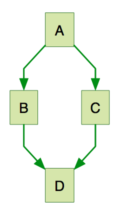
    graph TB;
        A-->B;
        A-->C;
        B-->D;
        C-->D;
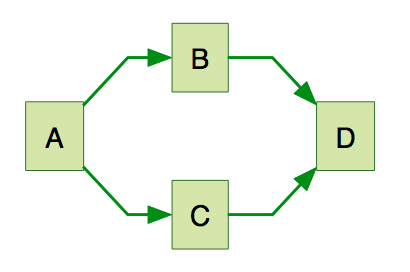
    graph LR;
        A-->B;
        A-->C;
        B-->D;
        C-->D;
 **A node (default)**id1
graph TB;
    A
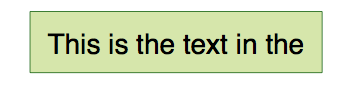
 A node with textid1This is the text in the boxIt is also possible to set text in the box that differs from the id. If this is done several times, it is the last text found for the node that will be used. Also if you define edges for the node later on, you can omit text definitions. The one previously defined will be used when rendering the box.
graph TB;
    A[This is the text in the box]
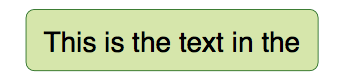
 A node with round edgesid1(This is the text in the box);
graph TB;
    A(This is the text in the box)
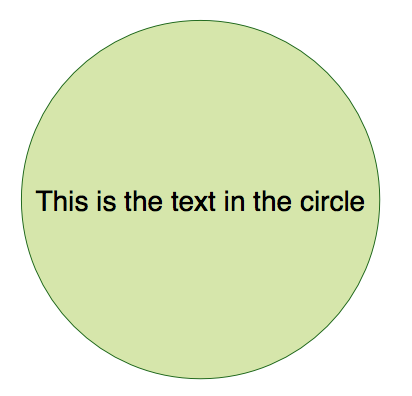
 A node in the form of a circleid1((This is the text in the circle));
graph TB;
    A((This is the text in the circle))
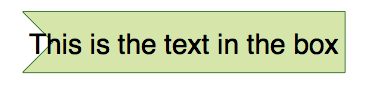
 A node in an asymetric shapeid1>This is the text in the box]
graph TB;
    A>This is the text in the box]
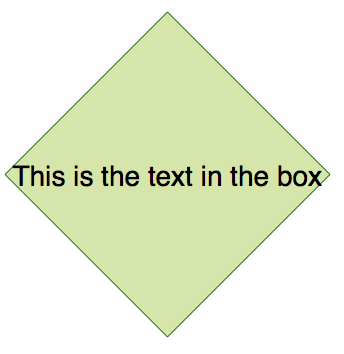
 **A node (rhombus)**id1{This is the text in the box}
graph TB;
    A{This is the text in the box}
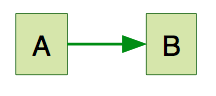
 A link with arrow headA–>B
graph TB;
    A-->B
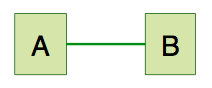
 An open linkA — B
graph TB;
    A---B
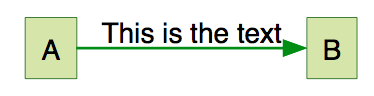
 Text on linksA– This is the text — BorA—|This is the text|B;
graph TB;
    A-- This is the text --- B
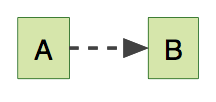
 Dotted link-.->
graph TB;
    A-.->B
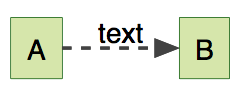
 Dotted link with text-. text .->
graph TB;
    A-. text .->B
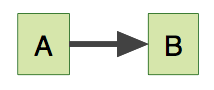
 Thick link==>
graph TB;
    A==>B
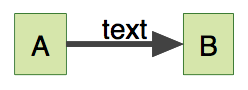
 Thick link with text== text ==>
graph TB;
    A== text ==>B
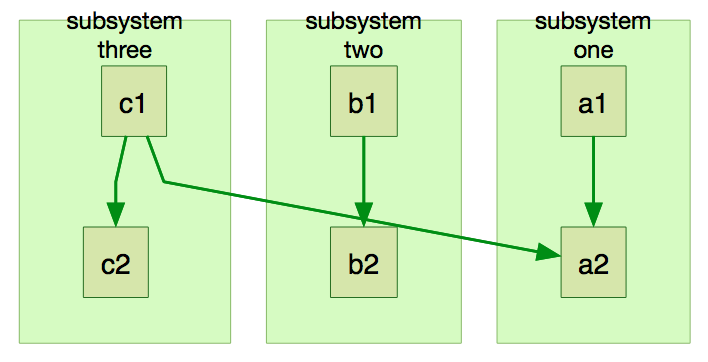
 Subgraphssubgraph title
graph definition
end
Subgraphssubgraph title
graph definition
end
graph TB
        subgraph subsystem one
        a1-->a2
        end
        subgraph subsystem two
        b1-->b2
        end
        subgraph subsystem three
        c1-->c2
        end
        c1-->a2
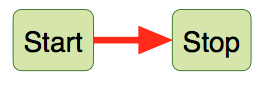
 Styling linkslinkStyle 3 stroke:#ff3,stroke-width:4px;It is possible to style links. For instance you might want to style a link that is going backwards in the flow. As links have no ids in the same way as nodes, some other way of deciding what style the links should be attached to is required. Instead of ids, the order number (starting from 0) of when the link was defined in the graph is used. In the example below the style defined in the linkStyle statement will belong to the fourth link in the graph
graph LR
    id1(Start)-->id2(Stop);
    linkStyle 0 stroke:#ff0000,stroke-width:4px;
 Styling a node
graph LR
    id1(Start)-->id2(Stop)
    style id1 fill:#f9f,stroke:#333,stroke-width:4px;
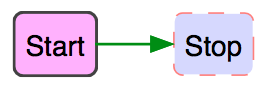
    style id2 fill:#ccf,stroke:#f66,stroke-width:2px,stroke-dasharray: 5, 5;