Sequence diagram commands for command driven diagramming
Create a document with “Command drive” style and type commands into the field. Then click “Build” button or press a shortcut Cmd+R. You can add additional shapes from the palette which will be preserved after rebuild. Participants
sequenceDiagram
        participant John
        participant Alice
        Alice->>John: Hello John, how are you?
        John-->>Alice: Great!
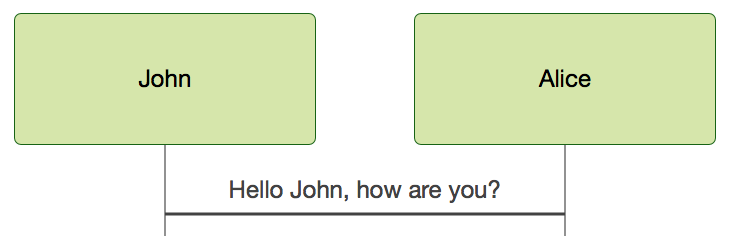
The participants can be defined implicitly as in the first example on this page. The participants or actors are rendered in order of appearance in the diagram source text. Sometimes you might want to show the participants in a different order than how they appear in the first message. It is possible to specify the actor’s order of appearance by doing the following: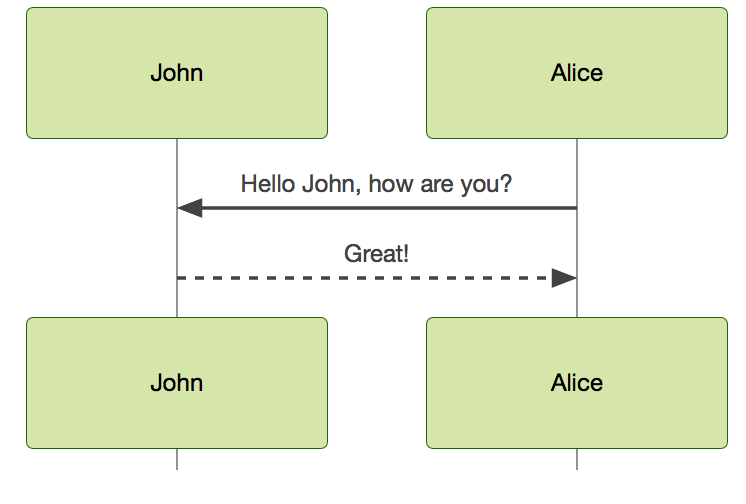 Messages[Actor][Arrow]Actor:Message textMessages can be of two displayed either solid or with a dotted line. There are six types of arrows currently supported:->which will render a solid line without arrow
Alice->John: Hello John, how are you?
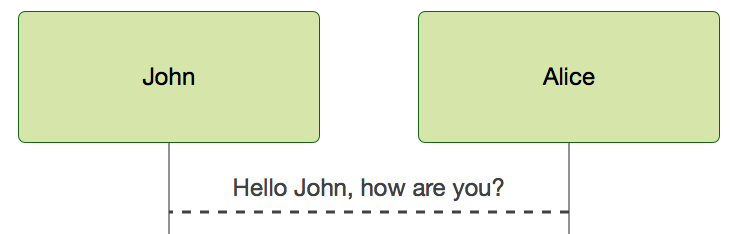
 –>which will render a dotted line without arrow
Alice-->John: Hello John, how are you?
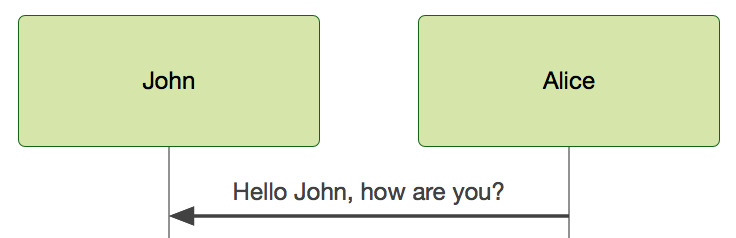
 ->>which will render a solid line with arrowhead
Alice->>John: Hello John, how are you?
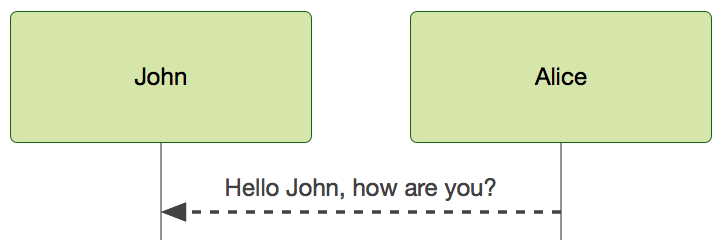
 –>>which will render a dotted line with arrowhead
Alice-->>John: Hello John, how are you?
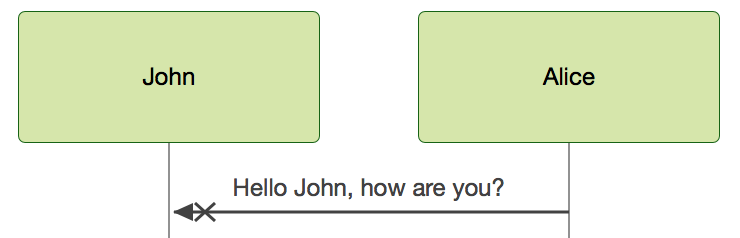
 -xwhich will render a solid line with a cross at the end (async)
Alice-xJohn: Hello John, how are you?
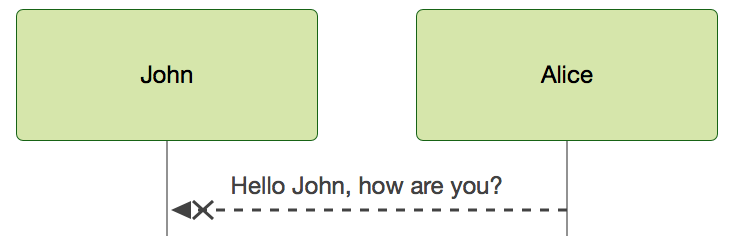
 –xwhich will render a dotted line with a cross at the end (async)
Alice--xJohn: Hello John, how are you?
 NotesNote right | left of Actor: Text in note content
sequenceDiagram
        participant John
        Note right of John: Text in note
It is possible to add notes to a sequence diagram. This is done by the notation Note right | left of Actor: Text in note content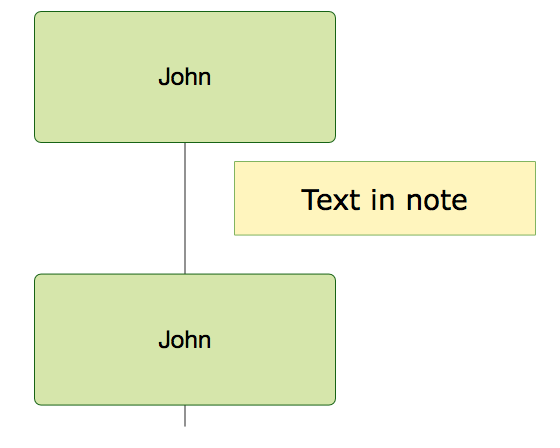 Loops
Loops
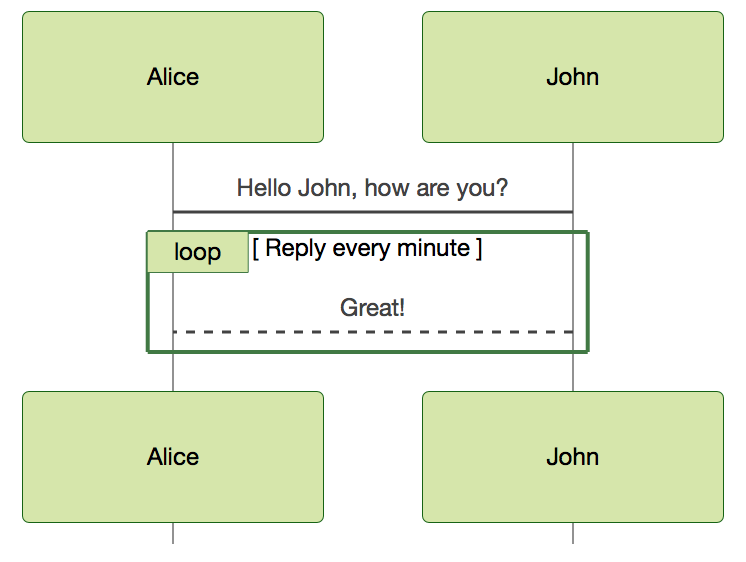
loop Loop text
    ... statements ...
    end
sequenceDiagram
        Alice->John: Hello John, how are you?
        loop Reply every minute
            John-->Alice: Great!
        end
 Alt
Alt
alt Describing text
    ... statements ...
    else
    ... statements ...
    end
or if there is sequence that is optionat (if without else).
opt Describing text
    ... statements ...
    end
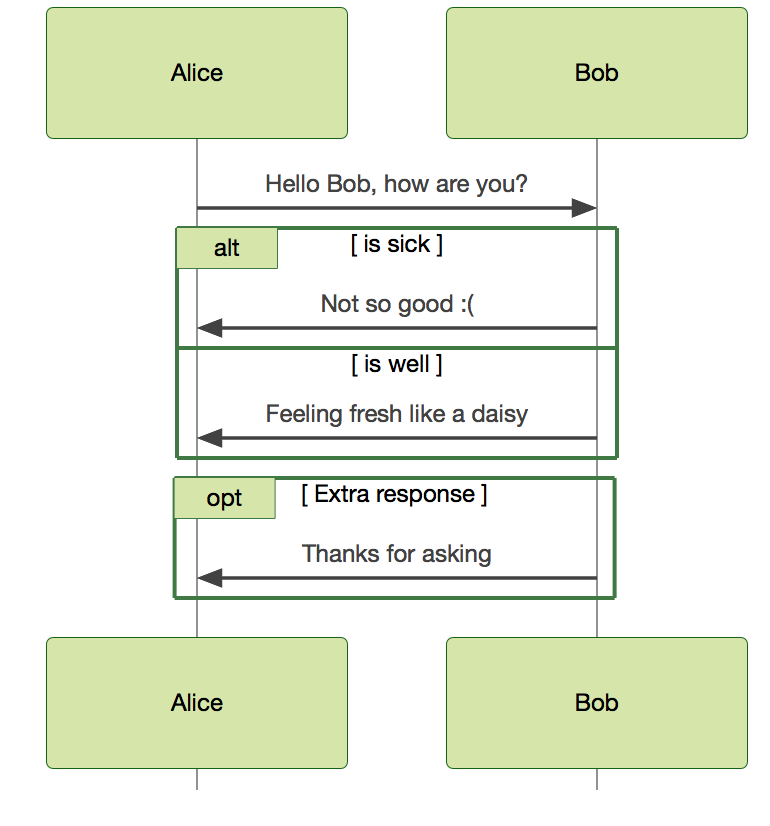
sequenceDiagram
          Alice->>Bob: Hello Bob, how are you?
            alt is sick
                Bob->>Alice: Not so good :(
            else is well
                Bob->>Alice: Feeling fresh like a daisy
            end
            opt Extra response
                Bob->>Alice: Thanks for asking
            end